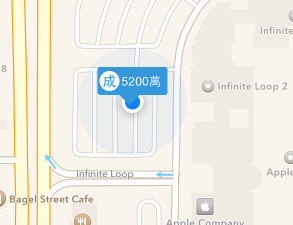
- 接著上一篇,如果這時候我們再把mapkit view的user location打開來試試看,結果會發現user location的點被吃掉了,原因是我們改寫了viewForAnnotation,所有的點都會變成我們客製座標的樣式
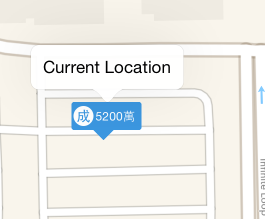
- 所以我們在viewForAnnotation補上判斷,讓user location不會被改變樣式 ```swift
func mapView(mapView: MKMapView!, viewForAnnotation annotation: MKAnnotation!) -> MKAnnotationView! {
}if(annotation is MKUserLocation){ //return nil表示用預設值那個藍色發光圓形圖 return nil; } var ann : MyAnnotation? = mapView.dequeueReusableAnnotationViewWithIdentifier("CustomerPoint") as? MyAnnotation; if(ann == nil){ ann = MyAnnotation(annotation: annotation, reuseIdentifier: "CustomerPoint"); ann?.canShowCallout = true; } ann?.DrawCustomerView(); ann?.annotation = annotation; return ann;
```
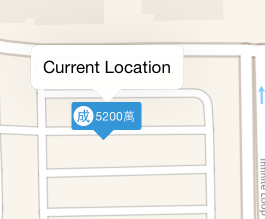
結果如下,user location又出來摟~